
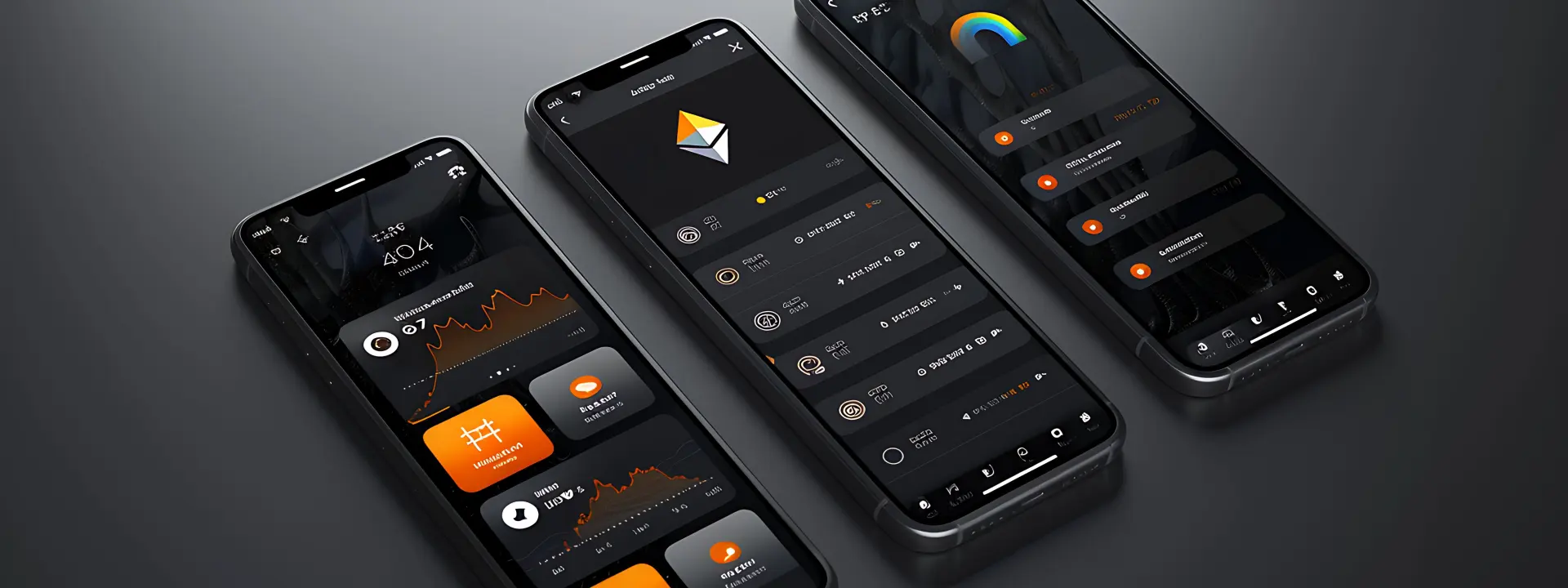
How to plan an app before you build it starts with a simple decision: what problem is the app supposed to solve on day one. If you skip that part, every later choice gets fuzzy, and the build starts drifting. We see this most often when someone comes in with a long wish list but no clean flow for the first screen, the second screen, or the bit that actually makes the app useful.
This page is for owners, managers, and founders who need to turn a rough idea into something a developer can quote and build without guessing. If you run a shop, clinic, restaurant, or small service business in Nagercoil or anywhere in Tamil Nadu, the real question is not “can we add more features?” It’s “what should exist first, what can wait, and who will use this on a phone with a weak signal?”

Start with the problem
What the app must do before a single line of code
The first job is to write the problem in plain words. Not “we need an app” but “customers should be able to place an order without calling us” or “our staff should update stock from one place instead of three notebooks.” That sounds basic, yet most bad app projects begin with a feature list and no actual problem. When the problem is clear, you can stop adding decoration and decide what is needed for the first release.
Who will use it and what will they do first?
List the real users by role. A customer, a receptionist, a manager, a delivery person, maybe an admin who never sees the public side. Then write the first action each person takes after opening the app. This is where people often get sloppy, because they assume every user will behave the same way. They wont, and the app will feel confusing if you try to make one screen suit everyone.
What should happen on a phone in under a minute?
For most small businesses, the first useful action should happen fast. On mobile data in places like Kanyakumari District, people do not have the patience for six heavy screens before they can do the job. If the app is for booking, ordering, or enquiry capture, the opening flow should be short enough that someone can finish it while standing in a shop or waiting at a counter. That does not mean stripping everything away; it means putting the right thing first.
- Write one sentence that says exactly what success looks like for the user.
- List the three most common tasks, then delete any feature that does not help those tasks.
- Decide which parts need login and which parts should stay open.
- Note every place where the app must store data, send a message, or show a status.
A practical way to plan the app before development
We usually split planning into a few short passes instead of one long meeting. That keeps the idea honest. It also helps when the app has more than one audience, because you can separate public screens from staff screens and keep the whole thing from turning into a mess.
- Define the outcome. Say what the app should help someone finish, and why they would use it instead of WhatsApp, a phone call, or a paper form.
- Map the users. Write each role, what they can see, and what they are not allowed to change. This is where admin access and approval flow get sorted out.
- Sketch the screens. Draw the minimum screens needed for the first version. Rough boxes are enough at this point; the point is flow, not polish.
- List the data and rules. Note the fields, the validations, the alerts, and the cases where the app should refuse bad input instead of trying to be clever.
What usually changes after the first draft
The first draft often reveals two things: there are fewer screens than the owner imagined, and there are more hidden admin tasks than anyone remembered. That is normal. Once the rough flow exists, people can see the gaps much better than they can in a meeting full of words.
The table below shows the parts that most often affect the shape of the build. It is not a fixed rulebook, just the practical stuff we keep checking when a client asks for an app and wants the quote to make sense.
| Planning choice | What it affects | Why it matters early |
|---|---|---|
| Single user type | Screen count and login flow | Fewer paths means less confusion on small screens |
| Multiple roles | Permissions and dashboard layout | Admins, staff, and customers should not see the same controls |
| Offline use | Sync rules and saved drafts | Weak mobile data changes how the app stores and sends information |
| Third-party integration | Timeline and testing | Payments, SMS, maps, or email add extra checks before launch |
Wireframes, content, and the bits people forget
Wireframes are not decoration. They are the fastest way to see whether the app has too many taps, whether a button is in the wrong place, and whether a user can move through the task without guessing. You do not need a design degree for this part. A paper sketch, a whiteboard photo, or a rough PDF can save days later.
Content is part of the plan, not an afterthought
This trips up a lot of owners. They build the screens in their head and assume the words, photos, categories, and labels will sort themselves out later. Then the app sits waiting because the actual content is not ready. If a store app needs product names, if a clinic app needs service categories, or if a restaurant app needs menu sections, those details should be listed before the build begins. When the content plan is missing, the screens get redrawn. It's a mess no one enjoys.
Decide what must be in version one
Version one should do the main job well and nothing more. If you are planning a booking app, maybe version one needs booking, reminders, and an admin view, not loyalty points, referrals, live chat, and four language packs. Those extras can be useful later, but they also expand the decisions you must make now. The trick is to keep the first build useful enough that people will actually use it, not so large that the project stalls before launch.
How Webglits can help
We help you sort out the early part before development starts, which is usually where the money and time get saved. If your app needs a public front end, a staff area, or a browser-based tool instead of a native app, we can map that with you and keep the scope honest. That often sits alongside work from our web app development team or a mobile build planned through mobile app development.
We also think about the practical side that gets ignored in sales decks: who owns the accounts, where the data lives, what happens on slow data, and how the app fits the rest of your site or process. If you need a second opinion before you ask for quotes, we can do that first and keep it plain.
Call +91 90430 22255, message us on WhatsApp, or email [email protected]. We are in Nagercoil, Tamil Nadu, Mon–Sat 9am to 6pm.
Common questions
Questions people ask before they start building
How do I plan an app before I hire a developer?
Start with the problem, not the features. Write down who will use the app, what they do today, and what breaks in that process. Once that is clear, you can list the must-have screens, the data you need, and the decisions that should happen on day one versus later.
What should be included in an app planning document?
A solid planning document covers the users, the main use cases, the screen list, the data fields, the admin needs, and the platforms you want first. It should also note integrations, login rules, content ownership, and any parts you are still unsure about.
How long should app planning take before development starts?
For a small business app, planning usually takes a short series of calls and a working draft rather than weeks of debate. The time goes into getting the flow right, because changing a screen order or a data field after build work starts always costs more than writing it down early.
Do I need wireframes before building a mobile app?
Yes, at least rough wireframes. They do not need to be pretty. Even simple sketches help everyone see what belongs on each screen, what should be hidden behind a menu, and where users may get stuck on a phone.
What mistakes cause app projects to go over budget?
The usual ones are unclear scope, hidden admin features, too many screen variants, and changing the idea halfway through. Another one is skipping the content plan, then asking for text, photos, and categories after the layout is already fixed.
Can Webglits help with planning before app development?
Yes. We often help clients think through the flow, the pages inside the app, the permissions, and the practical bits like content ownership and speed on mobile data. That early work makes the build cleaner and the quote easier to understand.
Good app planning is boring in the best way. It clears the noise, makes the first build smaller and sharper, and gives everyone the same map before the work starts. If you want a project that feels controlled instead of guessed at, the planning stage is where that begins.

Replies within 24 hours
Tell us what you need
Share your requirement and we will send a tailored quote within 24 hours. No obligation, no pressure — and you talk to the people who would actually build it.