

Point of sale system for retail shops work best when they stay out of the way. If billing is slow, the queue grows, the customer gets impatient and the person at the counter starts making mistakes that ripple into stock and cash later in the day.
We build and advise for shops that need more than a pretty screen. A grocery, garment store, pharmacy, stationery shop or mobile accessory counter all need different billing habits, and the system has to fit the shop's rhythm instead of forcing a generic one.
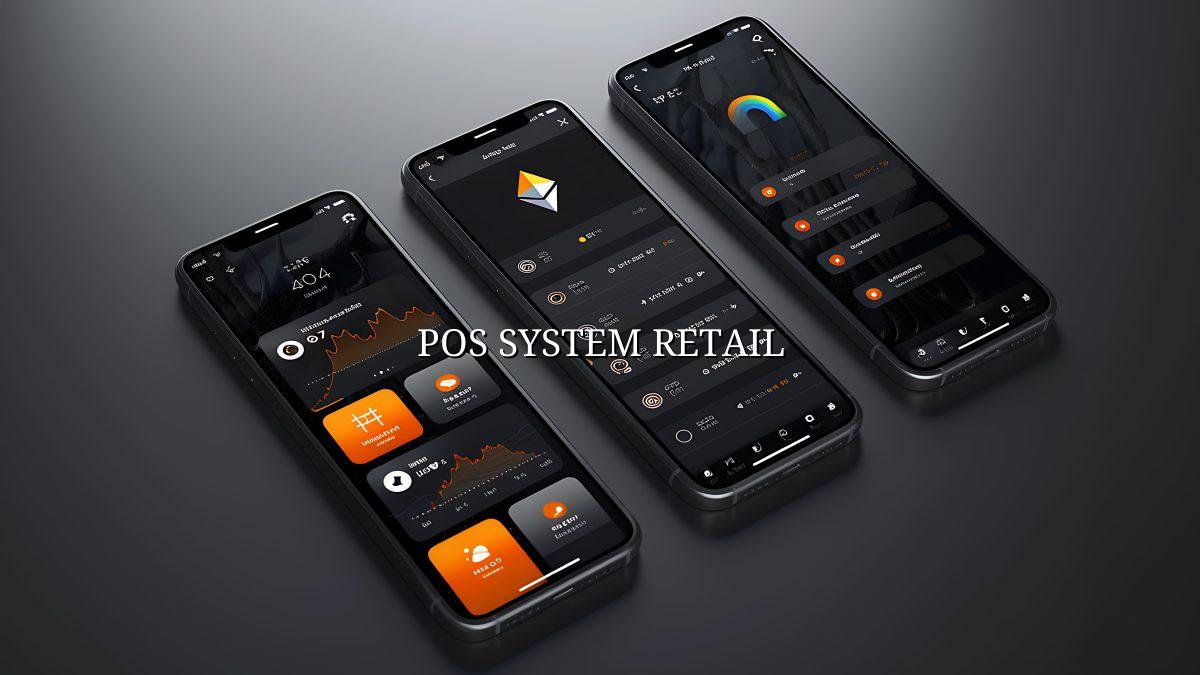
What retail shops actually need
Why a retail POS is not just billing software
A point of sale system for retail shops has to do three jobs at once. It has to bill quickly, track items in a way that reflects the shelf, and give the owner enough control to see what is moving without standing at the counter all day. That is the difference between software that helps and software that just prints slips.
In our work, the problem is usually not the sale itself. The trouble starts with returns, small discounts, damaged items, bundle offers and the five products that are named one thing on the rack and something slightly different in the system. If the setup does not match the real shop, staff improvise, and then the numbers drift.
What happens in a busy shop
Most retail owners know the pattern. A customer asks for a size or colour, the cashier searches, the item is found, then the bill has to be edited because one piece was exchanged or a small discount was approved by the owner. If the screen makes any one of those steps awkward, people start skipping them. That is how stock reports get unreliable.
Who this is for
This matters most for shops that carry repeat stock and need the counter to be quick. A small neighbourhood clothing store, a cosmetics shop, a hardware counter or a pharmacy all benefit from clean item data and less typing. You don't want the cashier entering the same description again and again when the barcode should do it in one scan.
- Fast barcode billing with fewer key presses at the counter
- Stock reduction on sale, so the count is not guessed later
- Easy returns and exchanges without breaking the day-end total
- Role-based access so the owner keeps tighter control than the cashier
How we shape a retail POS the practical way
We usually start from the shop floor, not from a list of features. The counter layout, the product mix and the way your staff actually work decide what the screens should look like. That keeps the system usable after the first week, when the novelty has worn off and the real rush begins.
- Map the billing flow. We look at how items are scanned, how discounts are approved and where the common delays happen at the counter.
- Clean the product structure. We separate sizes, colours, variants and bundles so the inventory does not become one long mixed list.
- Set user roles. The cashier, manager and owner should not see the same controls, because their work is different.
- Test the stock movement. We check what happens on sale, return, purchase and adjustment so the stock figure stays useful.
- Run a live trial. A short real-world test on the shop floor reveals the tiny issues that a demo always hides.
What changes the setup and what does not
Some shops need just the counter and stock. Others need purchase entries, multiple users, item tags, reorder signals and reports for different branches. The core is the same, but the details change a lot once you have more than one person touching the same data.
| Function | What it affects | Why it matters in retail |
|---|---|---|
| Barcode billing | Speed at the counter | Reduces typing and keeps the queue moving |
| Stock deduction | Inventory accuracy | Shows what is left after each sale |
| Discount approval | Margin control | Keeps staff from giving away profit without a check |
| Return entry | Day-end reports | Prevents sales totals and stock counts from drifting apart |
| Role access | Data safety | Limits who can change settings, prices or reports |
Stock, billing and the quiet mistakes that cost you later
The small errors are the ones that hurt. A cashier picks the wrong variant, a damaged item stays in stock, or a purchase is entered late and the numbers look fine until you try to reorder. Then the owner is the one doing the chasing. We see that pattern often in retail shops that grew past a notebook but never got a proper system.
Where the mess usually begins
It starts with the product list. If the same item is named three different ways, a report becomes noise. It also starts when one person keeps stock in memory and another person updates the system after the rush. That gap is where mistakes hide, and it is one reason a POS should be simple enough to use during a crowded hour, not only when the shop is empty.
For shops in and around Nagercoil, the practical constraint is often mobile data, not theory. Staff may be on a phone hotspot, a modest broadband line, or a connection that wobbles in the afternoon. So the screen flow has to be short and clear, because waiting for a complicated page to load is not a small annoyance when there are six people at the counter.
What the owner wants to see each evening
A good end-of-day report should answer plain questions. What sold, what got returned, which items moved fastest, and which stock is just sitting there. If the answer takes ten clicks, people stop checking it. Then the shop runs on habit instead of facts, and that is never a good trade.
Choosing features without bloating the counter
Retail software tends to grow extra buttons that look useful in a sales demo and then sit there for months. A shop does not need every possible module on day one. It needs the few things that keep the counter steady and the stock believable. Most of what gets sold on top of that is decoration.
Keep the screen short
If the cashier has to hunt through menus, you will feel it during the lunch hour or the evening rush. The best retail layouts put the common actions first: scan, edit quantity, apply a permitted discount, take payment, finish. Everything else belongs one layer down, not in the way of the sale itself. That's the sort of thing a staff member notices in the first hour and remembers a month later.
Think about the goods you sell
A grocery shop changes differently from a fashion store. A garment retailer cares about size and colour. A hardware shop may care more about units, packs and loose pieces. A pharmacy has tighter controls around item lookup and repeat stock. So the system should reflect the shelf, not the other way around.
How Webglits can help
We build retail systems and related web work with the same habit: keep it usable, keep it honest, keep it quick. If your shop also needs a website or online ordering, we can align that with web app development or e-commerce so stock and product data are not copied around by hand. When the setup is planned right, the counter, website and back office stop fighting each other.
We are based in Nagercoil and work with small businesses that need software to suit the way they already run. If you want a sensible discussion about the POS side of your shop, or you're comparing it with other work like website design, talk to us and we will tell you plainly what fits and what doesn't.
Call +91 90430 22255, message us on WhatsApp, or email [email protected]. We are in Nagercoil, Tamil Nadu, Mon–Sat 9am to 6pm.
Common questions
Questions retail owners usually ask
What is the best point of sale system for retail shops?
The best setup is the one your cashiers can use on a busy Saturday without calling you every five minutes. For most retail shops, that means quick billing, barcode scans, stock alerts and a simple return flow. If it also handles multiple payment modes cleanly, that saves a lot of small arguments at the counter.
Do I need a POS system if I already use a billing app?
A billing app can print a bill, but retail shops usually need more than that. Once you have variants, returns, discounts, purchases and stock movement, the POS becomes the place where the real work happens. If the shop is small and simple, a lighter setup may be fine; if staff keep asking what is left in stock, you have outgrown the app.
How does a POS system help retail stock management?
Every sale should reduce stock and every purchase should add it back, otherwise the numbers drift and you only find out when a customer asks for an item you thought was there. A good retail POS tracks fast movers, dead stock and reorder points. That gives you a usable picture before you run out on the shelf.
Can a retail POS work on more than one counter?
Yes, and that matters in shops where the billing counter and the stock room are not the same place. A proper setup lets more than one user work at the same time, with role-based access so the person at the counter does not see the same controls as the owner. That keeps the daily flow cleaner.
What should I check before choosing a POS for my shop?
Check the billing speed, barcode support, stock reports, returns, user access and whether the screens make sense to a real cashier. Ask what happens when the internet is weak too, because many shops still run into patchy connectivity at peak hours. If a demo feels slow or complicated, it will only get worse once the shop is busy.
Can Webglits build a retail POS system with website or ecommerce work?
Yes. If the shop also sells online, we can shape the POS so the same product data is easier to keep in sync with your site or store. That is often better than running one tool for billing, another for stock and a third for online orders, because the handoffs are where mistakes creep in.
If your retail shop is still running on a billing screen that feels more awkward than helpful, the fix is not to add more buttons. It is to make the system match the way your shop actually sells. Start there, and the rest gets easier to manage.
We can help you shape that setup without dressing it up. Tell us how your counter works now, and we will show you what a cleaner retail POS should look like.

Replies within 24 hours
Tell us what you need
Share your requirement and we will send a tailored quote within 24 hours. No obligation, no pressure — and you talk to the people who would actually build it.