
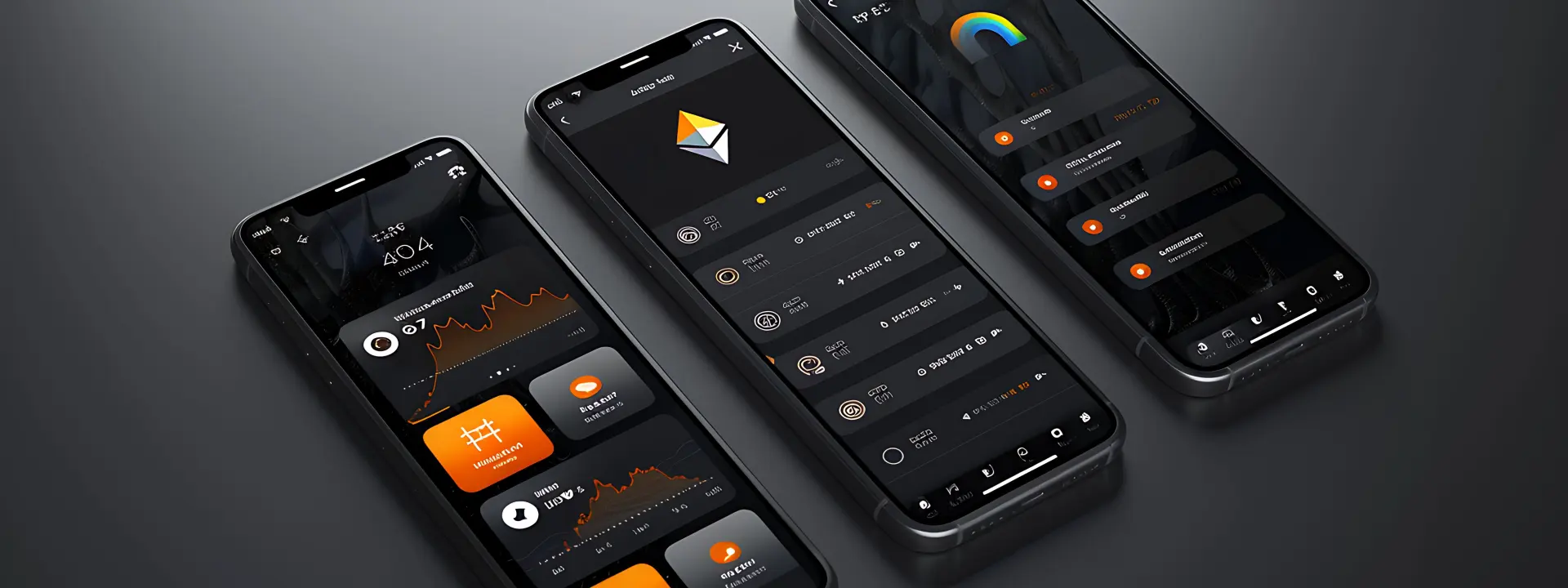
Android app development for businesses should make work easier, not give you another thing to manage. If the app cannot save time, reduce mistakes, or help customers finish a job on the phone without calling twice, it is just decoration with a download button.
We build for the kind of business that phones us from Nagercoil, Kanyakumari and across Tamil Nadu: shops, clinics, service teams, restaurants and office-led operations where a phone is already part of the day. The app has to work on ordinary Android devices on mobile data, not only on a clean office Wi-Fi connection.
Built for real work
What Android app development for businesses should actually solve
The first question is never “what features can we add?” It is “what problem keeps repeating?” If staff are writing the same details into three places, if customers keep asking for the same update, or if your current process breaks when someone is away on leave, an Android app can take that pressure off. The best apps are usually boring in the right way: they open fast, show the next step clearly, and keep the data where it belongs.
Small companies need fewer screens, not more
A lot of business apps fail because someone tries to make them look impressive. Too many tabs, too many icons, too many places to tap. That is fine in a demo and useless when a field worker has one hand on a bike helmet and the other on a phone. We usually strip the idea back to the main flow first, then add only what the user cannot live without.
Android is often the practical choice
For many Indian businesses, Android is the default because that is what staff and customers already carry. It also gives you a wider set of device choices, which matters when a team is using different phones bought at different times. If your users are in shops, on the road, or moving between counters, Android usually makes the most sense before you think about anything else.
- Keep the login short and plain, because a long sign-in kills use on day one.
- Show the next task first, not a dashboard full of tiles nobody asked for.
- Make the app readable on a phone in sunlight, especially for field work.
- Plan for weak data coverage, because not every user has clean 4G all day.
How we plan an Android app build
We start by mapping the real job, not by sketching screens for fun. That saves time later, because the app design becomes a response to the work you already do. It also keeps the build honest when there are limits, like no internet, older handsets, or a process that has been handled in notebooks for years.
- Define the use case. We look at who will use the app, what they need to finish, and what happens when they make a mistake.
- Map the flow. We write the steps in order, from opening the app to finishing the task, so the whole path is visible before design starts.
- Choose the data shape. We decide what the app stores, what it fetches from the server, and what should stay local for quick access.
- Build and test on real phones. We check the app on devices that behave like the ones your people actually use, not only on a clean emulator.
What changes the scope most?
Not every app asks for the same effort. A simple request form is one thing. An app with roles, approvals, offline saving and sync is something else entirely. The table below gives a plain look at what usually changes the amount of work, so you can see why one brief is easy and another needs more planning.
| Feature | What it changes | Why it matters |
|---|---|---|
| Simple login | Low complexity | Gets users in quickly and keeps the first screen light |
| Role-based access | Medium complexity | Different people see different actions, which helps larger teams |
| Offline mode | Higher complexity | Useful for travel, field visits and weak mobile data |
| Payment or order flow | Higher complexity | Needs careful testing because one wrong step can stop business |
Design choices that matter on a phone
A business app lives or dies on the small stuff. Button size, tap distance, the number of fields on one screen, the wording of an error message — all of that decides whether people use the app or avoid it. If your staff have to squint, scroll back and forth, or guess what a button does, they will go back to WhatsApp and paper pretty quickly. We have seen that happen more than once.
Speed is not a luxury
People on mobile data do not wait around for heavy screens. A slow app gets blamed before anything else does, even when the real issue is a clumsy build or oversized assets. That is why we keep the interface lean and the logic clean, and we avoid stuffing the first load with things the user does not need yet. It sounds plain, but it saves a lot of irritation.
Offline use deserves a real plan
If your team works in the field, or if customers use the app in places with patchy signal, offline behaviour has to be decided early. What gets saved locally? What waits for sync? What happens if the data conflicts later? Those questions matter more than fancy animation. Your app needs a memory for the work it has already done.
How Webglits can help
We build Android apps as part of the same work we do on web application development, so we are used to connecting screens to real business rules. If your app needs a website backend, a dashboard, or a customer-facing front end, we can keep the pieces talking to each other without making the system awkward.
For businesses that also need a customer app or a companion tool, we can pair the build with mobile app development thinking and keep the scope sensible. If the app is part of a bigger plan, like search, enquiries or repeat orders, our SEO and digital marketing work can support the traffic side too. We are in Nagercoil, we work in-house, and we’ll tell you plainly if your idea needs trimming before it gets expensive.
Call +91 90430 22255, message us on WhatsApp, or email [email protected]. We are in Nagercoil, Tamil Nadu, Mon–Sat 9am to 6pm.
Common questions
Questions people ask before they start
How does Android app development for businesses usually start?
It starts with the job the app has to do, not with screens. We ask who will use it, what they do on a phone now, and where the current process wastes time. From there we map the smallest version that still solves the problem, so you are not paying for extras nobody asked for.
What kind of business app should be built on Android first?
Usually the one your users already carry in their pocket. That might be staff forms, field reporting, order taking, appointment check-ins, or a customer-facing app for repeat use. If your audience is mostly Android users, starting there makes sense because that is the device they already know.
How long does it take to build an Android business app?
It depends on the scope, but a simple app is far quicker than a system with logins, roles and sync. The real answer comes after the requirements are clear, because that is what decides design, build and testing effort. We give a written quote after we understand the work, and we do that within 24 hours.
Do you build custom Android apps or use templates?
We build custom. Templates look cheap at the start and then start getting in the way once your process is a little different from everyone else’s. A business app should match your process, not force your process to look like the template.
Will my Android app work on older phones?
We try to make sensible choices for the phones people actually use. That means keeping the app light, avoiding unnecessary graphics and testing on slower connections and lower-end devices where possible. If your audience uses older phones, we say that early because it changes design decisions.
Can an Android app connect to my existing website or web system?
Yes, and that is often the cleaner route. The app can reuse existing data, logins, forms or order flows through an API or a secure backend connection. If your website already does part of the job, we try not to rebuild what is already working.
If you're planning android app development for businesses, start with the work, not the screen count. A good Android app should fit your people, your process and the connection quality they actually live with, and that is where we keep the focus. If that sounds like the right way to build, talk to us and we'll help you sort the brief before it turns messy.

Replies within 24 hours
Tell us what you need
Share your requirement and we will send a tailored quote within 24 hours. No obligation, no pressure — and you talk to the people who would actually build it.